
Imagine waking up to find your entire crypto portfolio gone because of a single malicious link you clicked. It happens more often than you'd think. While exchange accounts and software apps are convenient, they leave your assets exposed to the internet. This is where Hardware Wallets is a physical device designed to store cryptocurrency private keys offline, providing a critical barrier against online hacking attempts. By keeping your keys in an "air-gapped" environment, you ensure that no hacker can steal your funds unless they have physical access to your device and your PIN.
Why You Need Cold Storage Over Hot Wallets
Most beginners start with a "hot wallet"-an app like MetaMask or a balance on an exchange. These are great for quick trades, but they are essentially open doors. Because they are connected to the internet, they are vulnerable to phishing and malware. In contrast, cold storage keeps your keys completely offline.
The difference in security is staggering. Research from Kaspersky shows that using a hardware wallet reduces your vulnerability to online attacks by 99.8% compared to software-based options. While a hot wallet lets you move funds in seconds, a hardware wallet takes about 8 to 12 seconds to sign a transaction. That slight delay is the price you pay for knowing your funds are safe from remote exploits.
The Heavy Hitters: Choosing the Right Device
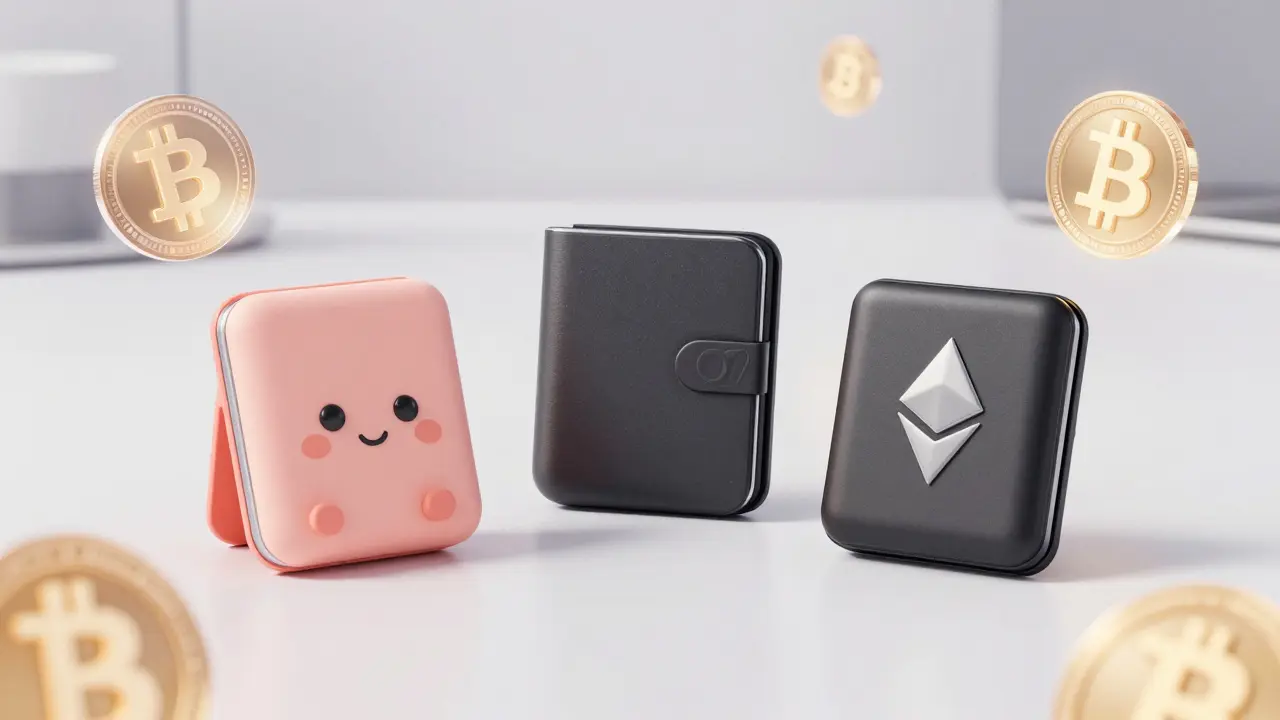
Not all hardware wallets are built the same. Depending on whether you are a long-term "HODLer" or an active DeFi user, your needs will change. The market is currently dominated by a few key players, each with a different philosophy on security and transparency.
For those who want a polished experience, Ledger is a popular choice. Their Nano X model uses a Secure Element chip (ST33J2M0) certified to CC EAL5+, which is a high-grade security standard. It's a great fit for people who want Bluetooth connectivity and support for over 100 cryptocurrencies on one device.
If you prefer transparency, Trezor is the gold standard for open-source firmware. Since their code is public on GitHub, the community can verify there are no "backdoors." The Model T features a touchscreen and supports an impressive 1,812 different coins, making it a powerhouse for diversifying your portfolio.
For a more minimalist, Swiss-engineered approach, the BitBox02 offers a secure, streamlined experience. It focuses on simplicity and high security, often appealing to those who find the Ledger or Trezor ecosystems too bloated.
| Feature | Ledger Nano X | Trezor Model T | BitBox02 |
|---|---|---|---|
| Security Chip | Secure Element (EAL5+) | General Purpose MCU | Secure Element |
| Firmware | Closed Source | Open Source | Open Source |
| Connectivity | Bluetooth & USB-C | USB-C | USB-C |
| Interface | Buttons/Small Screen | Touchscreen | Buttons/Small Screen |
| Best For | Mobile/DeFi Users | Privacy Advocates | Minimalists |
The Golden Rules of Setup and Recovery
A hardware wallet is only as secure as the person using it. A common mistake is thinking the device "holds" the coins. It doesn't. Your coins live on the blockchain; the device only holds the Private Keys, which are the digital keys that allow you to move those coins.
The most critical part of your setup is the Recovery Phrase (or seed phrase). This is a series of 12 to 24 words that can recreate your entire wallet if you lose your device. If someone gets these words, they have your money. Period.
Follow these steps for a bulletproof setup:
- Buy Direct: Never buy a wallet from eBay or Amazon. Only buy from the official manufacturer to avoid "pre-compromised" devices.
- Verify the Seal: Check the hologram or security seal immediately upon arrival.
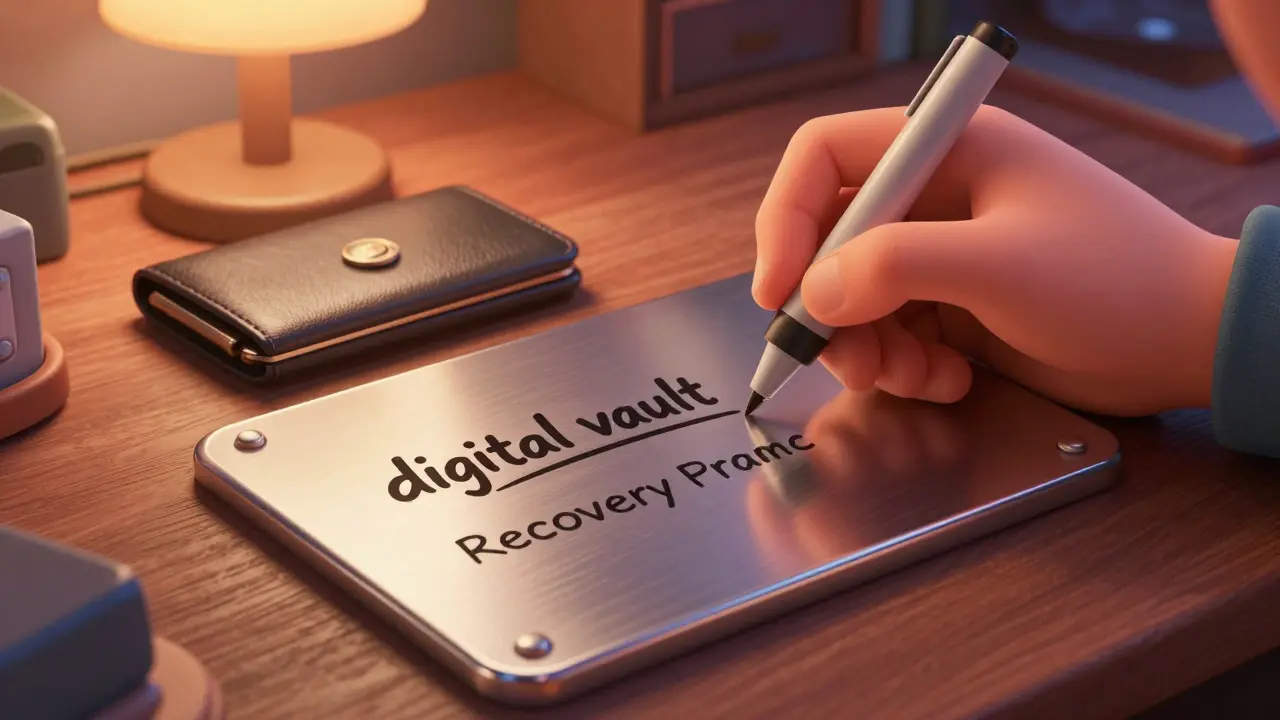
- Write the Seed Offline: Never take a photo of your recovery phrase or type it into a computer. Use pen and paper, or better yet, a metal backup.
- The 3-2-1 Rule: Keep three copies of your backup, on two different types of media (e.g., paper and metal), with one copy stored in a different physical location (like a safe deposit box).
- Test the Recovery: Before sending your life savings to the device, try recovering a small amount of funds from a backup to ensure you wrote the words correctly.
Common Pitfalls and How to Avoid Them
Even with a $200 device, human error is the biggest risk. One of the most frequent issues reported is the "incorrect PIN reset." If you enter your PIN wrong too many times, the device will factory reset itself. This is a security feature, not a bug. As long as you have your recovery phrase, you can get your funds back in minutes.
Another danger is the "phishing' confirmation screen." Some advanced malware tries to trick you by changing the address you see on your computer screen. Always-always-verify the address on the actual hardware wallet screen before hitting the physical button to sign the transaction.
Finally, be wary of the "all-in-one" storage mistake. There are horror stories on Reddit of users storing their wallet and their recovery phrase in the same drawer. If a thief finds both, the hardware wallet's PIN protection becomes useless because the thief can just enter the seed phrase into a new device.
Advanced Security: Passphrases and Multisig
Once you're comfortable with the basics, you can move to "Pro" level security. A Passphrase is essentially a 25th word that you create yourself. Unlike the recovery phrase, the passphrase isn't written down by the device. It creates a "hidden wallet" on your device. If someone steals your 24-word seed but doesn't have your secret passphrase, they still can't access your main funds.
For those holding very large amounts (usually over $10,000), experts suggest Multisig (Multi-signature) setups. This requires more than one hardware wallet to sign off on a transaction. It's like having a bank vault that requires two different keys held by two different people to open. This eliminates the "single point of failure" risk.
Does a hardware wallet store my actual coins?
No. Your coins stay on the blockchain. The hardware wallet only stores the private keys (the digital signatures) needed to authorize transactions. Think of it as a physical key to a digital locker.
What happens if I lose my hardware wallet?
As long as you have your recovery phrase (seed phrase), your funds are safe. You can simply buy a new compatible hardware wallet, enter your recovery phrase, and all your assets will reappear.
Are hardware wallets 100% unhackable?
Nothing is 100% unhackable, but they are the closest thing we have. While remote hacking is virtually impossible, physical tampering by experts with specialized laboratory equipment is a theoretical risk. This is why using a passphrase and multisig is recommended for massive holdings.
Can I store NFTs on a hardware wallet?
You don't store the NFT itself on the device; you store the private keys that control the address where the NFT is held. You can manage and sign NFT transactions using your hardware wallet via an interface like MetaMask.
Should I use a paper wallet instead?
Paper wallets are a form of cold storage, but they are risky. If the paper is damaged or lost, the funds are gone. They are also harder to use for frequent transactions. Hardware wallets provide a much better balance of high security and usability.
Next Steps for Your Security Journey
If you are just starting, your first priority is to move any amount of crypto over $1,000 off an exchange and into a hardware wallet. Once you have the device, don't just set it up and forget it. Spend an hour practicing the recovery process with a small amount of funds to build your confidence.
If you already have a wallet, check for firmware updates. Manufacturers like Ledger and Trezor frequently release patches to fix vulnerabilities. Finally, consider investing in a stainless steel backup plate for your seed phrase. Paper burns and fades; steel lasts forever.

Comments
Ridiculous.
Thanks for the breakdown! This is really helpful for someone just getting their feet wet in the crypto world. I love how you explained the seed phrase part because that's where most people mess up.
GET A LEDGER NOW! 🇺🇸 Don't let the hackers win! Protecting your gains is the only way to stay ahead of the game 🚀💪💰
The assertion that hardware wallets are virtually unhackable is a dangerous oversimplification. While the private key remains offline, the attack vector simply shifts to the host machine's interface. One must consider the possibility of a compromised firmware update delivery system, which would render the physical device's security moot. Furthermore, the reliance on a seed phrase introduces a human-centric vulnerability that no amount of EAL5+ certification can mitigate. It is a systemic failure to suggest that a $200 piece of plastic is a panacea for security in an era of quantum computing threats.
why do people even trust these things lol just keep it on an exchange and hope for the best 🙄 the whole seed phrase thing is just a way for you to lose your money by losing a piece of paper
The basics are simple. You buy the device and you keep the keys safe. If you can't manage a 24-word list, you shouldn't be in crypto.
It's interesting how we've shifted the burden of security entirely onto the individual. In the traditional banking system, the institution bears the risk, but here, the user becomes their own bank. While the autonomy is liberating, the psychological weight of potentially losing everything due to a misplaced piece of steel is a fascinating trade-off in the modern digital age.
I've always wondered about the metal backups. Are there specific brands that are better, or is any stainless steel basically the same as long as it doesn't rust?
Oh honey, imagine thinking a simple seed phrase is 'bulletproof' in a world where social engineering is a literal science. Let's talk about the absolute circus of 'seed phrase' phishing sites that look exactly like official recovery portals, where some poor soul just hands over their 24 words because they saw a 'urgent security alert' pop-up. The irony of having a Secure Element chip when the human operating it has the security capacity of a wet paper towel is just chef's kiss. You can have all the multisig setups and passphrase layers in the world, but if you're the type of person who clicks 'Yes' on every browser prompt, your funds are basically just waiting for a new owner to claim them. Honestly, the jargon of 'air-gapping' is just a fancy way to say you're not using a hot wallet, but the cognitive gap between the tech and the user is where the real theft happens.
Don't trust the firmware updates. They use them to put trackers in your device. I bet they know exactly where you hide your backup plate.
Good guide! Keep it simple.
This is such a great resource for the community! 🌟 I love seeing people help each other stay safe. Everyone should definitely look into the 3-2-1 rule, it's a total game changer for peace of mind! 🛡️✨
it all just feels like numbers and codes anyway
totally agree with the metal plate tip! i tried the paper thing and it just felt too flimsy for my liking. definitely get the steel stuff so you can sleep better at night
so true about the phishing screens
A very detailed and comprehensive explanation of cold storage options. It provides a clear path for those who are hesitant to leave exchange wallets.
who actually reads the whole thing lol just buy the trezor and be done with it